It is important to login to your Digital Work Permit app within 6 hours of the issuance of your Work Permit.
What to do?
- After you have pay for your Visa and Work Permit at the One Stop Service Center (BOI) and receive your Non-B Visa stamp, check your email. You should receive 2 emails.
- Look for the one with Subject: Username and Password for Digital Work Permit Application.
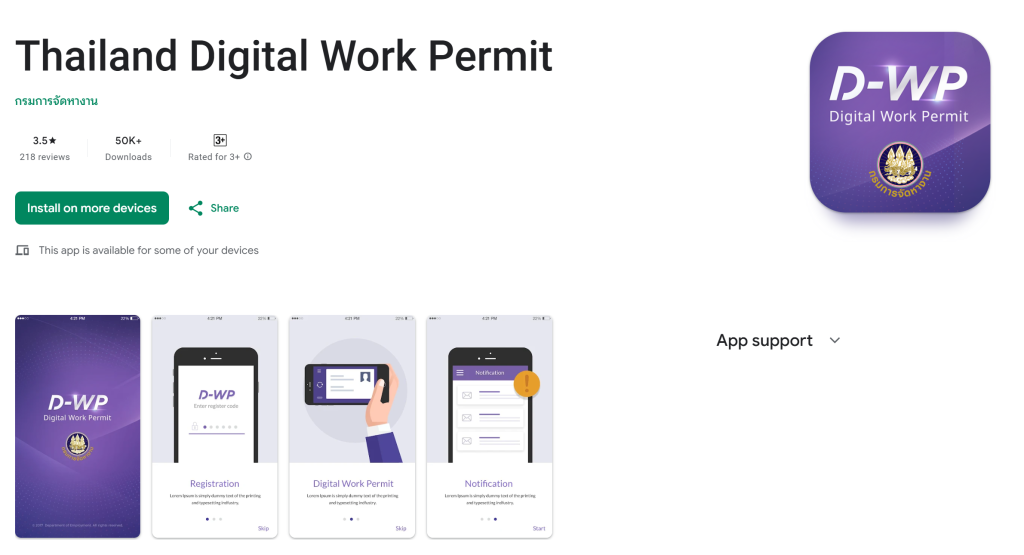
- Install the D-WP app on your phone then login with the username and password on the email. You will be able to view your Digital Work permit on the app.
If you happen to arrive on this page but you have not completed the payment for your BOI Non-B Visa and Work permit, refer to: https://unionspace.co.th/doing-business-living-bangkok/picking-up-your-non-b-visa-and-ework-permit-under-boi-application-updated-march-24-2026/